
Crafted in Kingston, Jamaica 🇯🇲. For anyone who has ever said "I just had it!"
You remember your address, your anniversary, where you parked.
But not where you just put your phone.
You didn’t forget — you missed the moment.
Memory Anchor trains the instant your hand lets go, so “Where is it?” turns into “No problem.” Built around a simple habit: Pause–Picture–Anchor.
3 seconds. 1 detail. 1 anchor.
Show more
Most “lost item” frustration is a registration problem, not a memory problem. If you don’t register the placement moment, your brain has nothing reliable to retrieve later. Memory Anchor trains that one moment so your future self has a calm first place to check.
Train it with calm “No Problem” scenes, so everyday placements stop turning into search mode.
Your practice count and accuracy update on this device as you train.
Prefer scenes? Scene Trainer →
🔒 No signup. Private by default. Practice stays on this device.
How Memory Anchor works
- Quick Check. 20 seconds. Practice witnessing the exact moment your hand lets go.
- Scene Trainer. Deeper home scenes + a short break + gentle questions, so you strengthen recall in your natural style.
- Real‑life C.A.R.E. 30 seconds. One calm detail for a real item, so your future self has somewhere to check first.
Why it works Show more
What changes: you train the second your hand lets go — the moment that creates a usable detail.
Do one Quick Check a day. Use Scene Trainer and C.A.R.E. when you want deeper practice.
Want the deeper workout? Step 3 · Scene Trainer →
What if you saw yourself put things down — every time?
Calm practice that helps you stop guessing later.
What this is Show more
Memory Anchor doesn’t test you. It trains the moment your hand lets go — so you stop guessing later. Miss that moment and you’ll search. Catch it and you’ll know where to look.
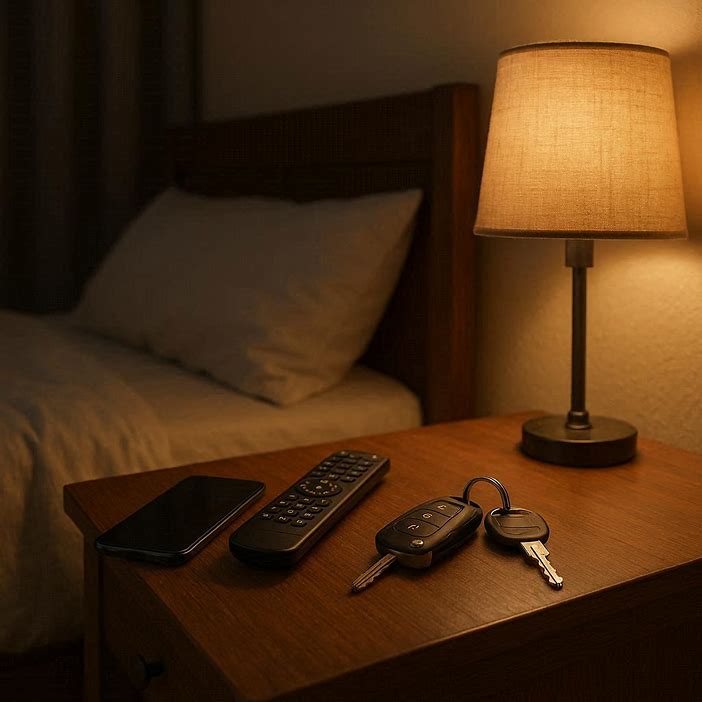
What you'll practice
Real home scenes with everyday items — keys, phone, wallet, and other things that like to wander.
A likkle break, then gentle questions that build on your Quick Check habit and strengthen the way you naturally remember scenes.
A quick 1‑2‑3 story: from “Where are my keys?” to “No problem.”

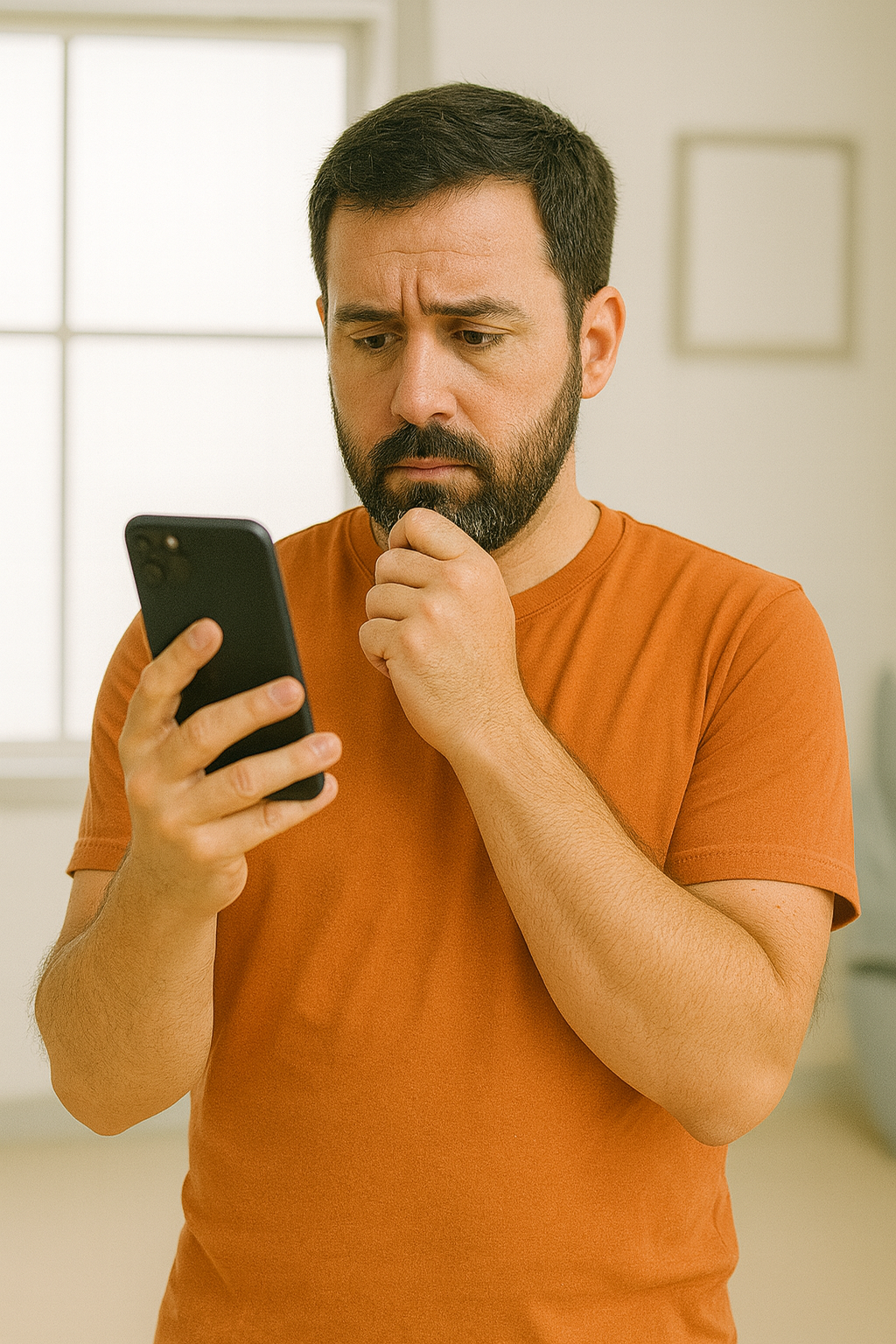
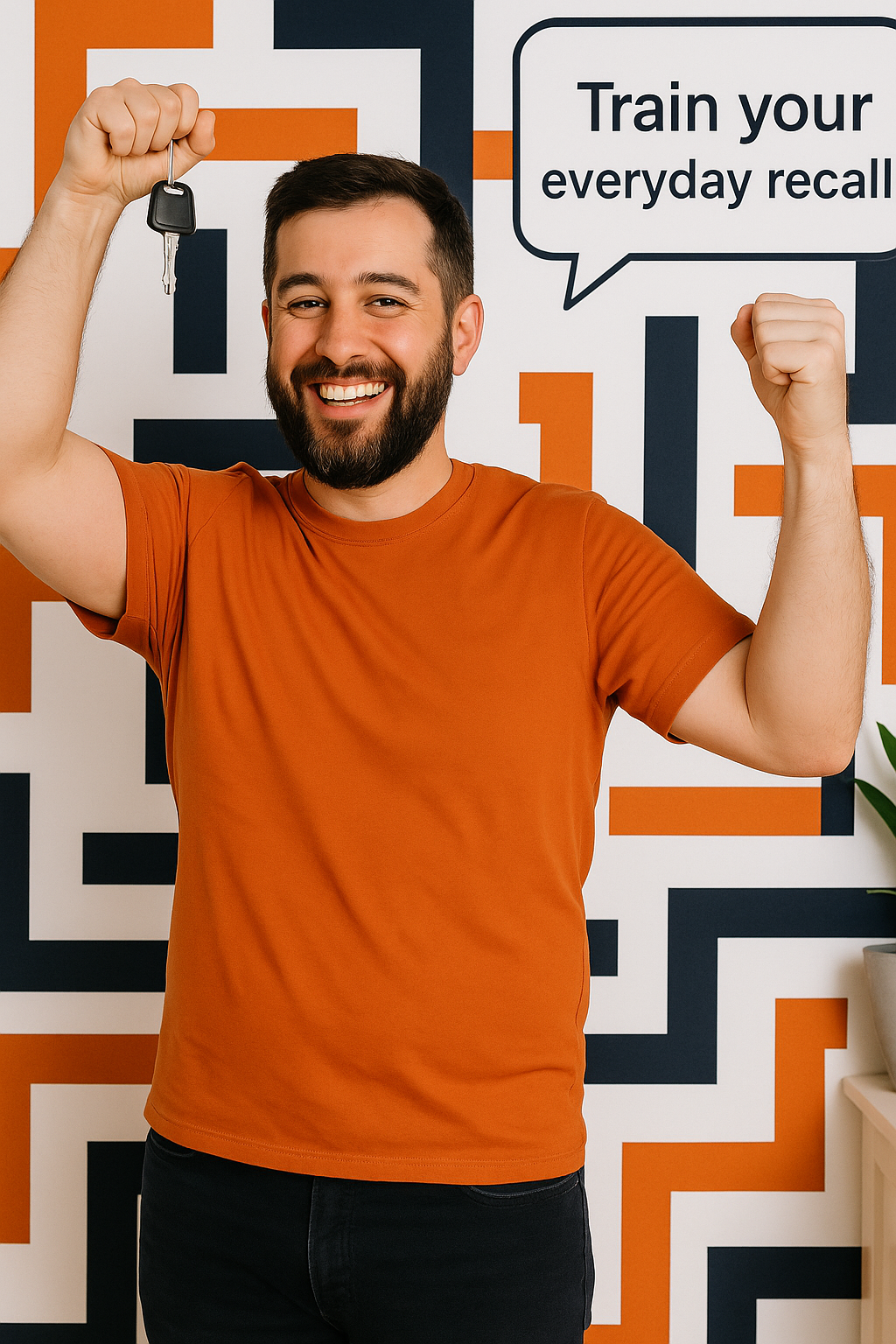
Your practice so far
No sessions yet. Start your first one now.
No Problem C.A.R.E. — Pause & Register
30 seconds · Real‑life · One tiny log so your future self can find it faster.
This is where the on‑screen habit becomes an everyday habit.
Tip Show more
Tip: Quick Check trains the moment your hand lets go. Scene Trainer deepens it. C.A.R.E. is you using it with your actual items and moments.
Quick Check — catch yourself in the act
About 20 seconds · No signup · Builds the real habit.
What this trains Show more
This isn’t a memory test. It’s a tiny in‑app scene that practices the moment that matters — when you put something down.
Pick an item, place it, take a short break, then recall it.
How it works Show more
You’ll practice witnessing the moment your hand lets go. After the break, a gentle reflection helps you build the habit — without it feeling like a test.
Scene Trainer
The deeper workout. Real home scenes, a short break, and gentle questions, so you discover how your memory likes to work.
More detail Show more
Scene Trainer replays that small action after a likkle pause: you see where things were placed, then recall where and when you saw it happen. Do you see the spot, feel where it is in the room, or link it to something nearby? That’s your strength, and this is where you build it.
See a real‑life scene. Notice where items are placed. After the break, simple questions help you use the recall style that clicks for you.
You've practiced 0 Level 1 scene so far, with about 0% landing in the right spot. Keep going – Level 2 unlocks after a steady run of accurate scenes, so it stays challenging but not stressful.
When you start, a scene will appear here.
Your Memory Anchor journey
A simple three‑step path you can grow into at your own pace.
Support the “No Problem Memory” experiment
If Memory Anchor is helpful and you'd like to support more Jamaican‑made tools like this, you can:
- Share it with someone who often misplaces their keys, phone, or other small items.
- Pin it to your home screen so it's easy to practice on calmer days.
- Send a small tip to help cover hosting, audio, and future scenes.
Questions
Why do I lose things if my memory is fine?
Because you weren’t really watching when you put them down. Your hands did it while your mind was already somewhere else. Memory Anchor trains you to catch that moment — that’s often all it takes.
Is this a medical or diagnostic tool?
No. Memory Anchor is a wellness and habit‑building tool. It's not designed to diagnose, treat, or monitor any medical condition.
Where is my data stored?
Your practice stats stay in your browser's local storage on this device by default. If optional analytics are ever offered, they'd be opt‑in and would not include your typed answers.
Can I use this with someone older in my family?
Yes, as long as it feels supportive and not like a test. Keep sessions short, calm, and voluntary.
Private by design
No account. Your practice stays on this device by default.
- Progress stored in your browser (localStorage).
- Any future analytics would be consent‑based and minimal.
- No selling of personal data.